Desktop Embodiment & Control Strip
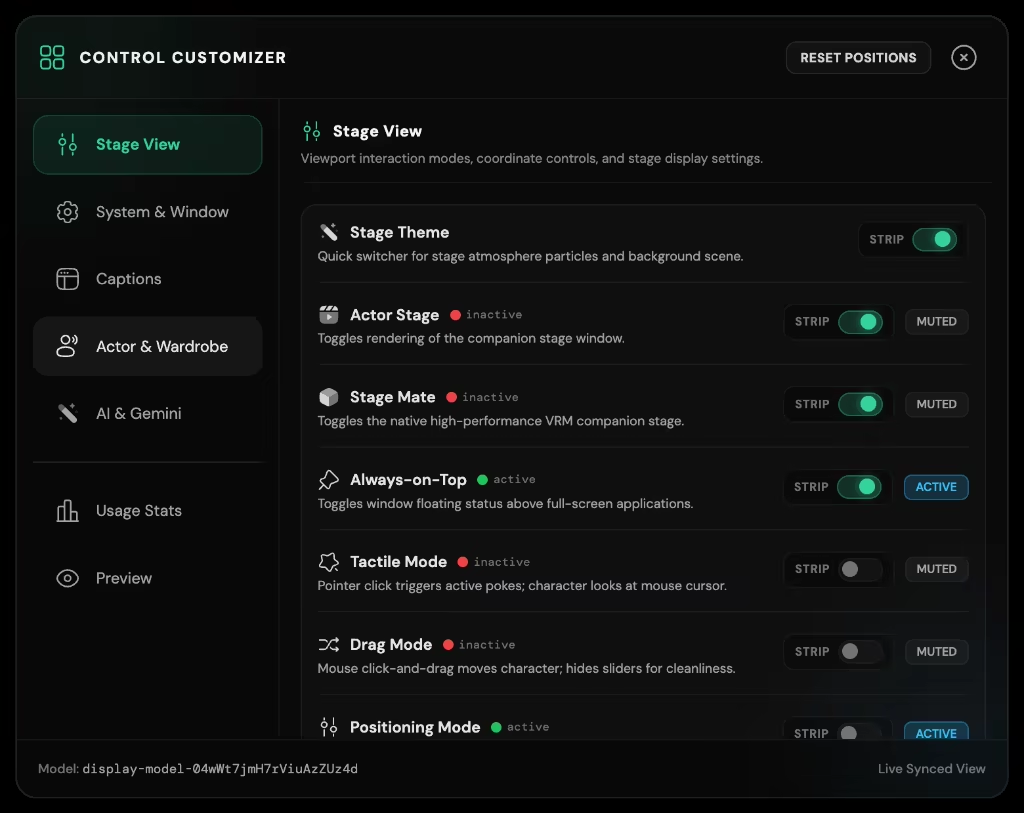
The Desktop Control Strip is an elegant, glassmorphic interaction anchor that decouples your avatar's physical stage from heavy application chrome. Floating seamlessly over desktop windows or docking into screen corners, it gives instant access to character switching, emotional expressions, voice calibration, and stage layouts without cluttering your workspace.
Floating Ribbon & Docked Modes

- Vertical Floating Ribbon: Draggable translucent control pill with haptic-styled buttons, activity status rings, and microphone toggles.
- Docked Corner Tab: Collapses into an unobtrusive screen-edge tab that expands smoothly on hover or hotkey.
- Decoupled Stage Window: The avatar stage renders in an independent transparent Electron window with click-through support and window pinning.

Control Customizer & Tuning Deck
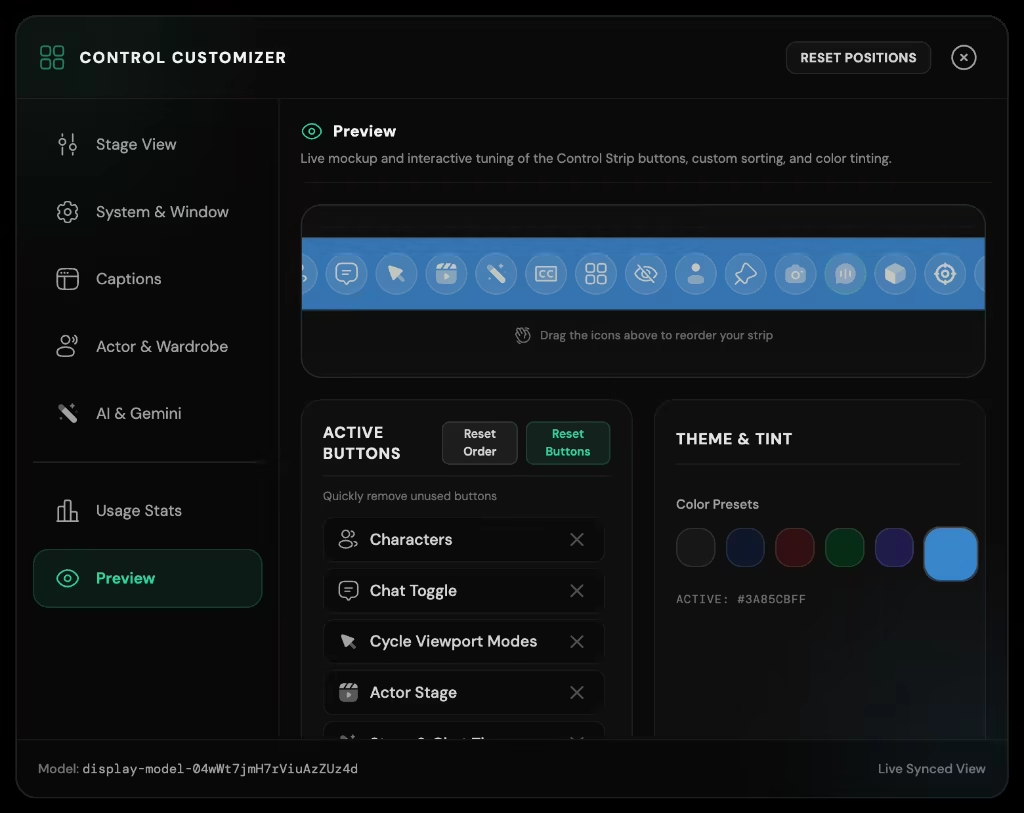
The dedicated Control Customizer window lets you tailor the Control Strip to your personal workflow:
- Interactive Drag-and-Drop Editor: Reorder quick-action buttons, toggle visibility of specialized modules, and adjust ribbon spacing.
- Live Stage Preview: Real-time rendering of stage framing, background lighting, and character positioning as you tune parameters.
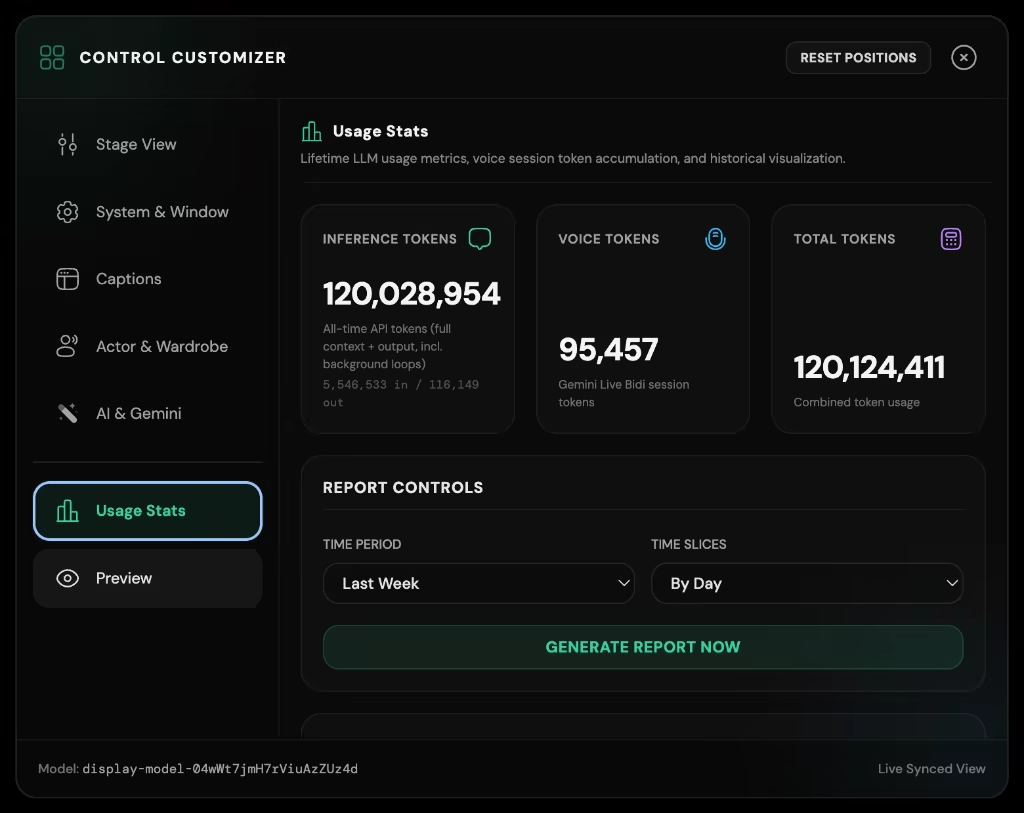
- Usage Telemetry & Statistics: Tracks interaction frequency, voice talk time, and cognitive heartbeat activity.
4 Tethered Quick Popovers
Hovering or clicking actions on the Control Strip reveals four high-density tethered popover panels:
1. Characters Popover & 2. Avatars Popover
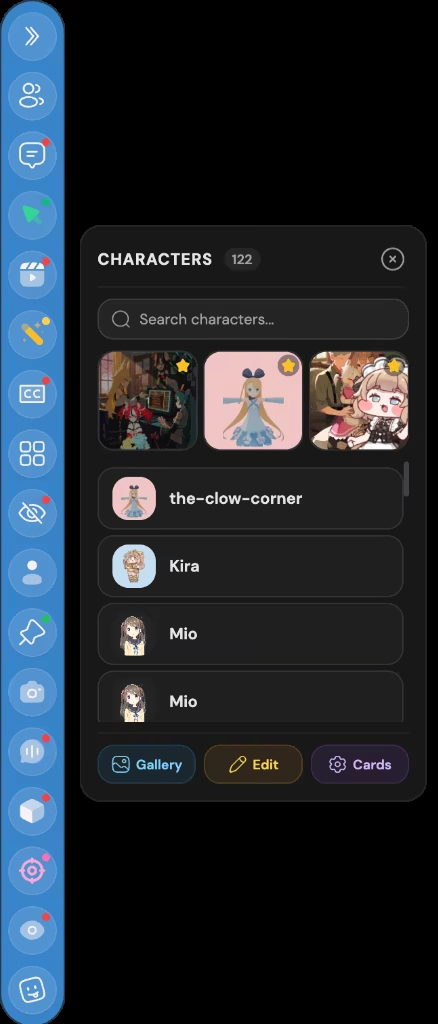
- Characters Popover: Swap character cards instantly without opening settings; preserves chat continuity.
- Avatars Popover: Switch 3D/2D models on the fly with live thumbnail cards and favorite markers.
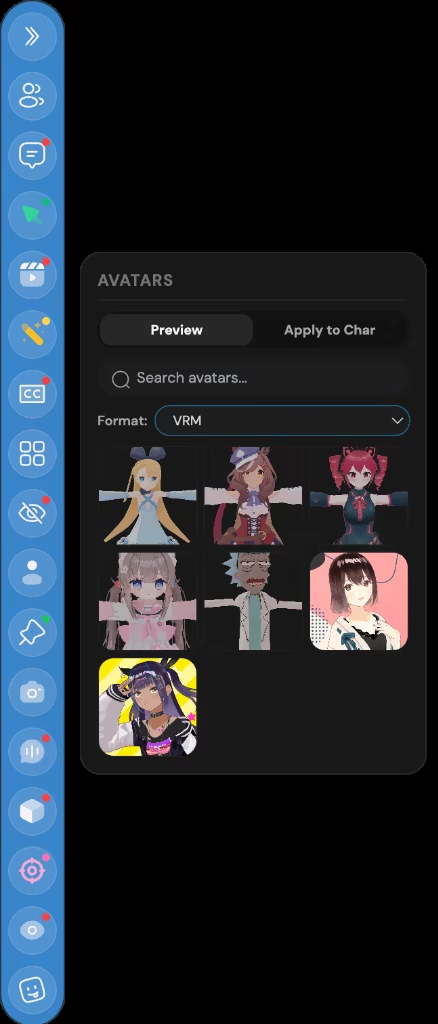
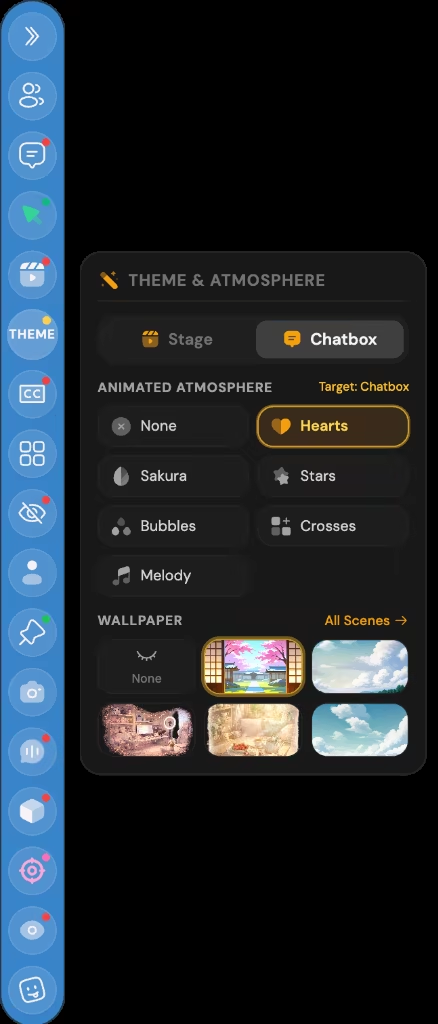
3. Stage Layout & 4. Atmosphere Themes
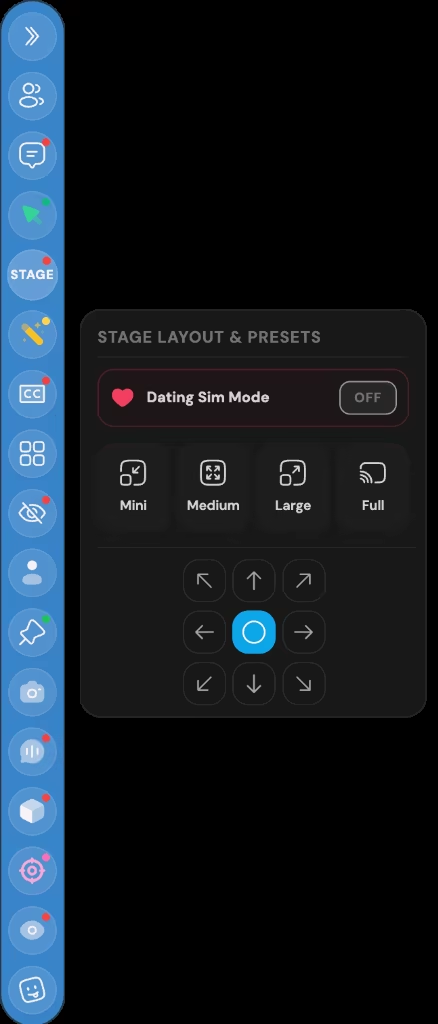
- Stage Layout Popover: Toggle camera framing (Bust, Half-Body, Full-Body, Desk Mode), stage opacity, and click-through passthrough.
- Atmosphere Popover: Hot-swap ambient backgrounds, lighting colors, particle weather, and soundscapes.
Key Capabilities
- Decoupled Stage Window: Transparent, borderless avatar stage with click-through and pinning.
- Floating Ribbon & Corner Docking: Unobtrusive desktop presence that collapses into a slim tab.
- Drag-and-Drop Customizer: Reorder buttons, toggle facets, and preview stage changes live.
- 4 Tethered Popovers: Characters, Avatars, Stage Layout, and Atmosphere Themes at your fingertips.
- Cross-Platform Floating Manager: Fine-grained visibility, opacity, and hotkey controls.